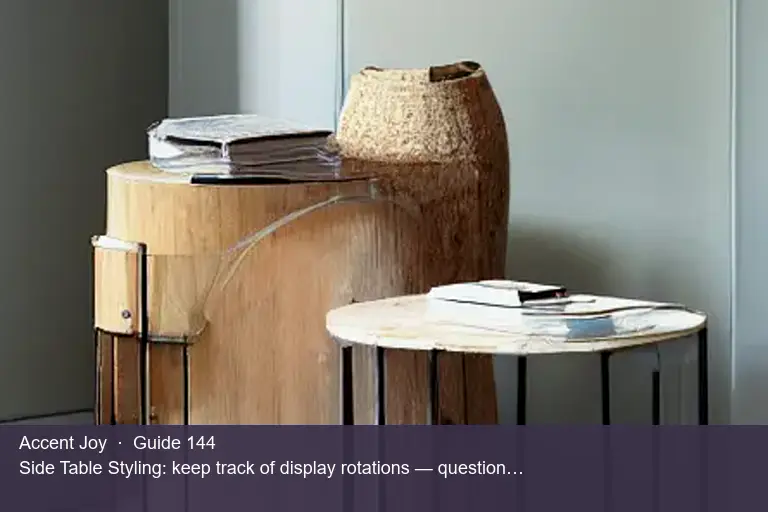
Side Table Styling: keep track of display rotations — question guide for a narrow display area; setup for two people
Side tables are an essential element of any living space, yet many people struggle to keep track of display rotations. In a narrow display area, where space is limited and displays are often arranged side by side, managing display rotations can become a challenge. This article outlines a practical method for keeping track of display rotations on a side table, suitable for two-person projects.
### Setting Up Your Side Table
Before you start, ensure your side table is clean and ready for display rotations. Remove any clutter, and arrange your items in a way that maximizes space. If the table is already in place, you can use a tape measure to mark the desired placement for the display.
### Choosing Your Display
Choose a display that complements the space and fits well within the narrow display area. If the display is too large, it can obstruct the view of other items on the table. If the display is too small, it can be difficult to see it while holding other items.
### Installing the Display
Once your display is chosen, install it on the side table. Ensure it is securely installed and that the display is not obstructing the view of other items. If the display is too large, you may need to adjust the mounting to fit within the narrow display area.
### Setting Up Your Display
Once your display is in place, you can begin to manage display rotations. To do this, simply place the display in a position that maximizes space and aligns with the desired display orientation. If the display is too large, you may need to adjust the display to fit within the narrow display area.
### Managing Display Rotations
To manage display rotations, you can use a tape measure to mark the desired placement for the display. Once you have marked the desired placement, you can adjust the display to fit within the narrow display area.
### Conclusion
By following this method, you can keep track of display rotations on your side table in a narrow display area. By using a tape measure and adjusting the display to fit within the narrow display area, you can ensure that display rotations are minimized, allowing you to maximize the space available for other items on the table.
### Example Scenario
Imagine you are designing a living room with a narrow display area. You have chosen a display that complements the space and fits well within the narrow display area. You have installed the display on the side table and marked the desired placement for the display. You have then adjusted the display to fit within the narrow display area.
By following this method, you can ensure that display rotations are minimized and that the space available for other items on the table is maximized. This can help to create a functional and visually appealing space.